Screenshots
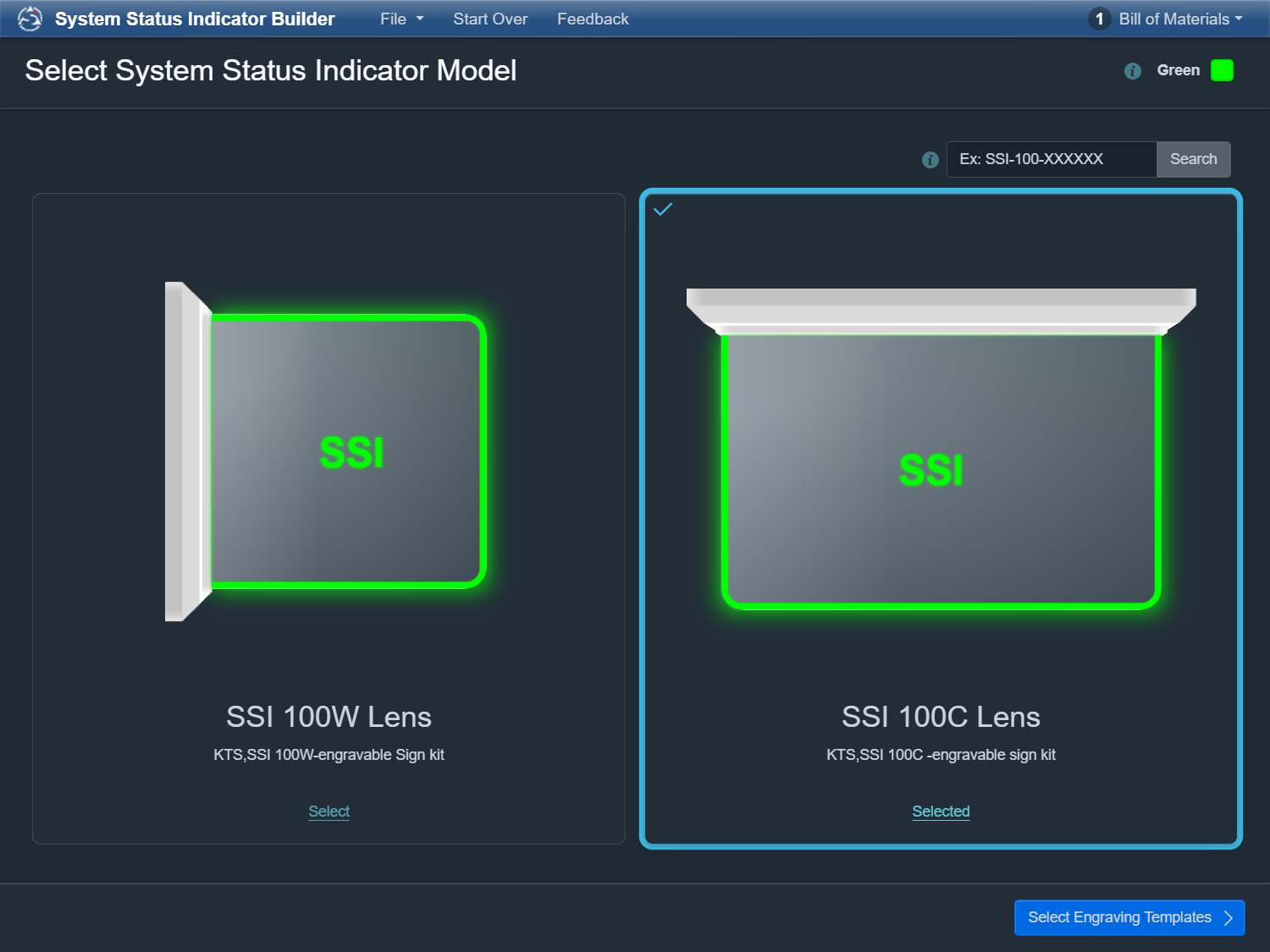
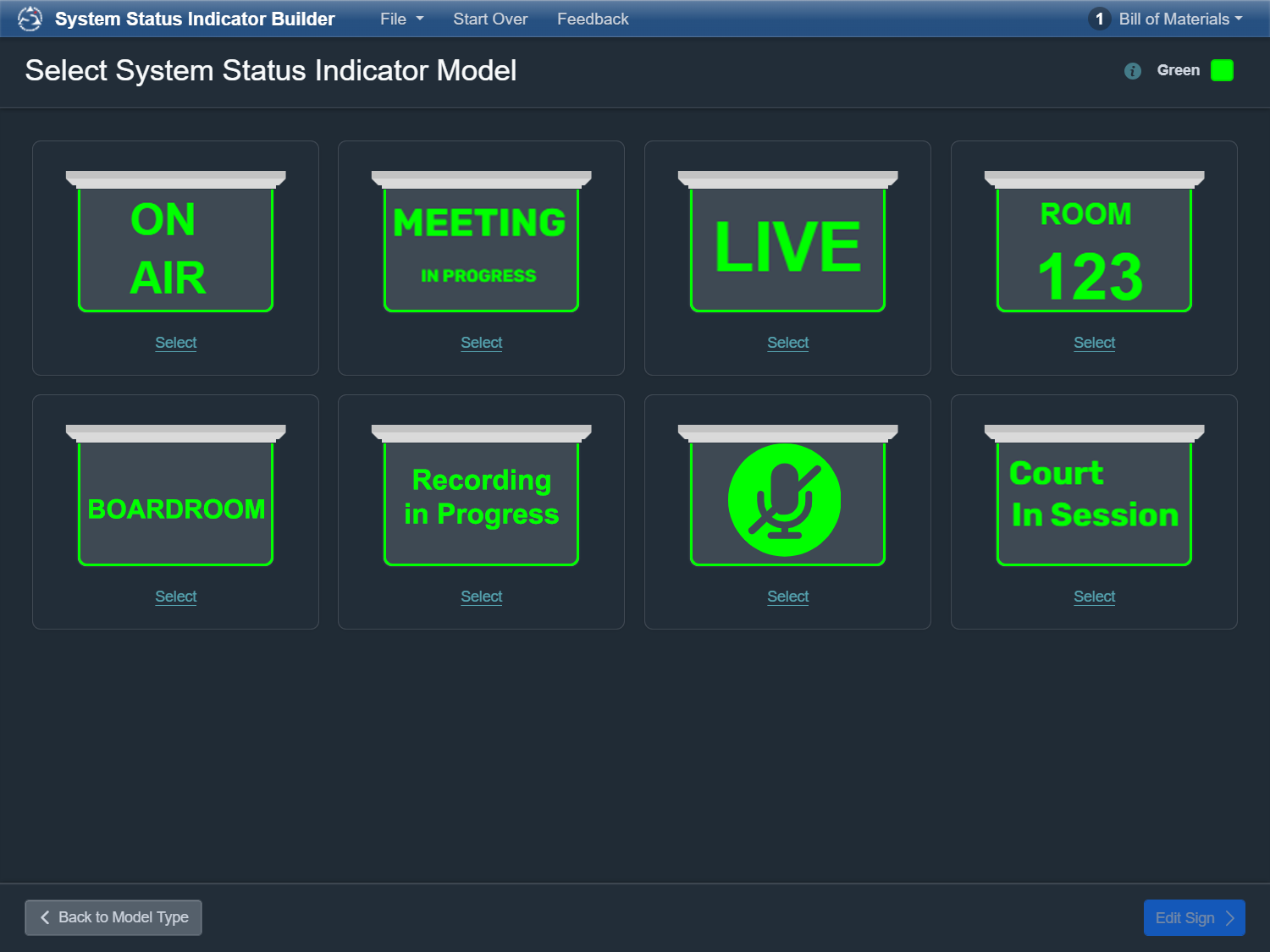
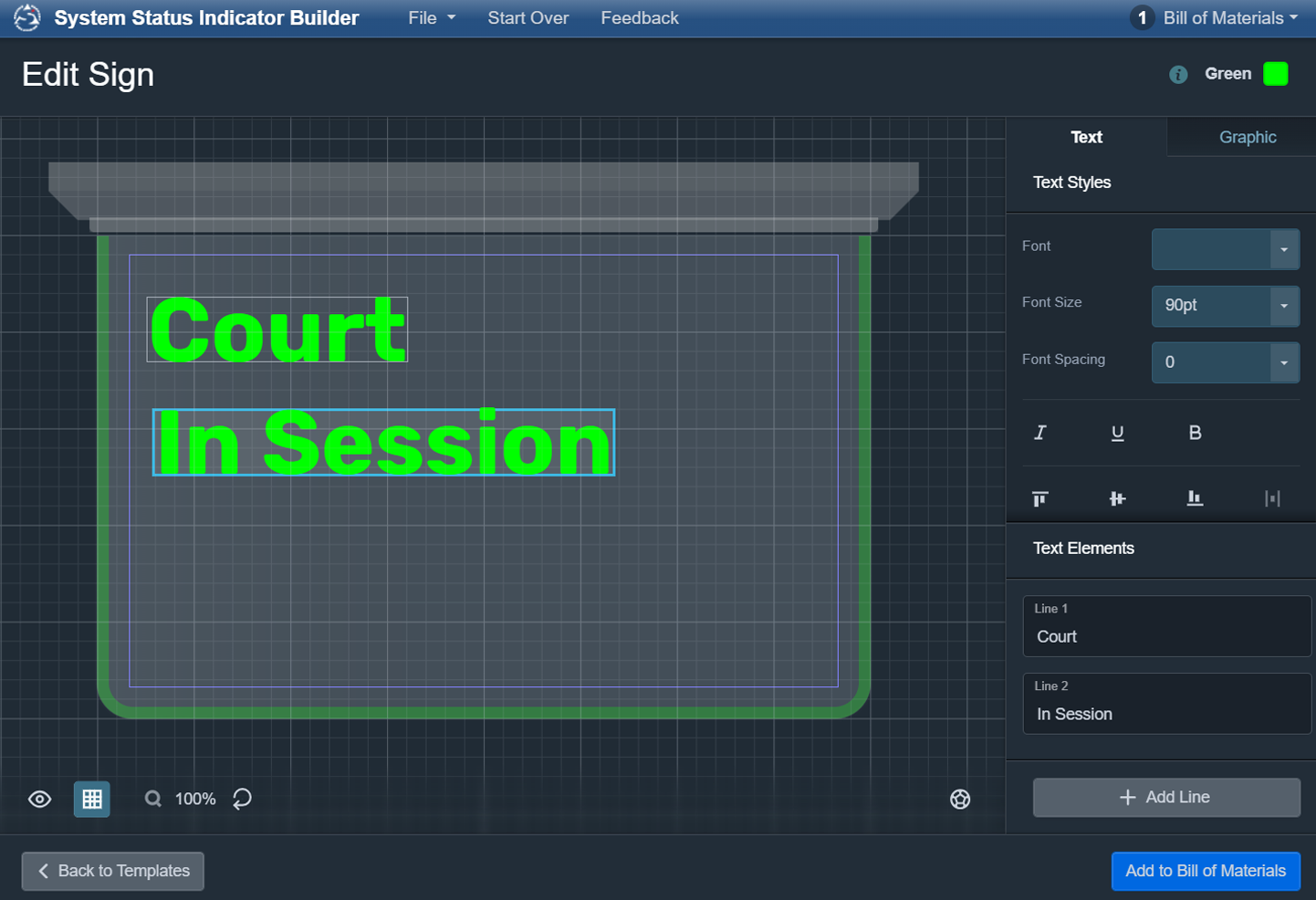
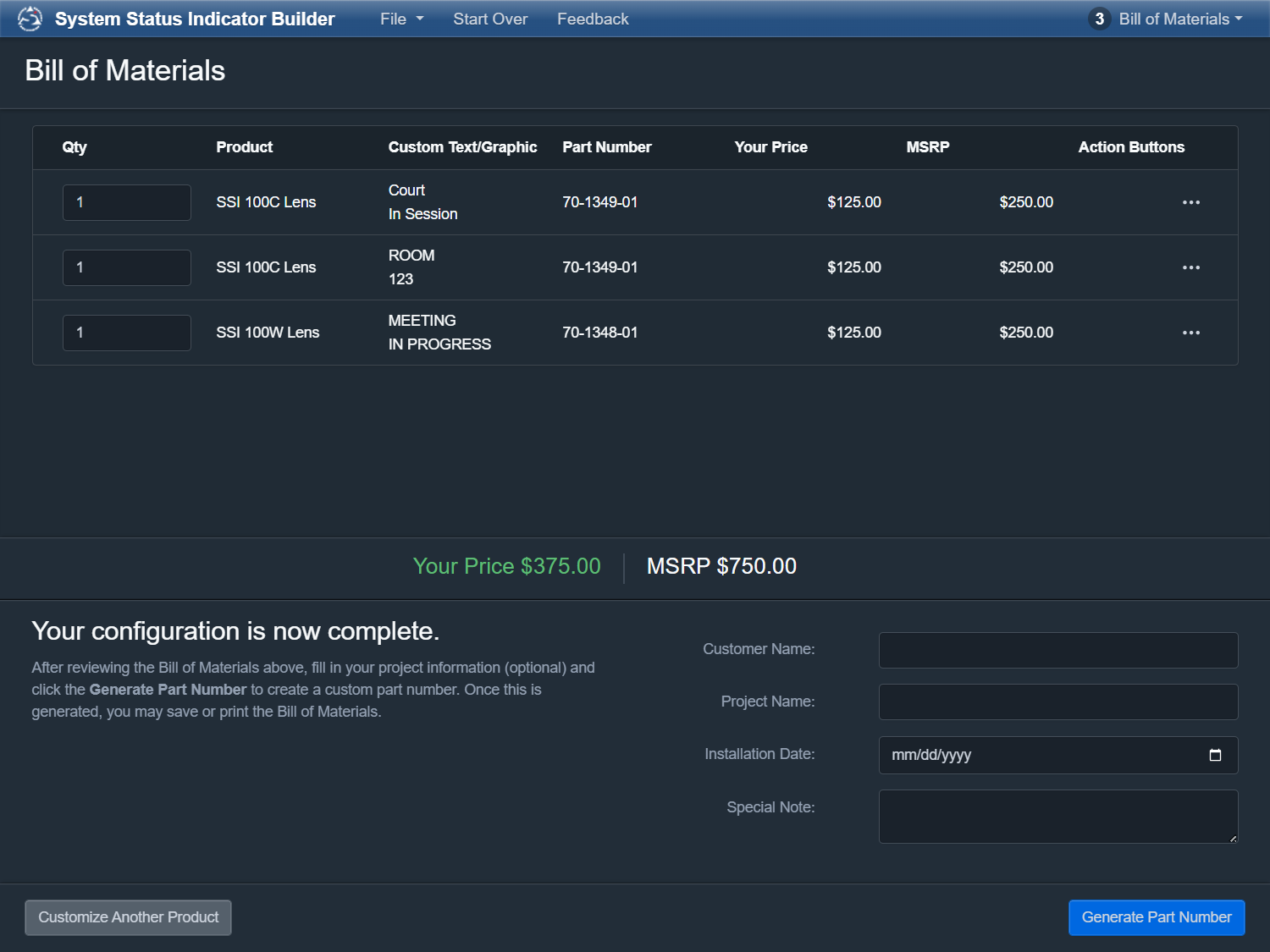
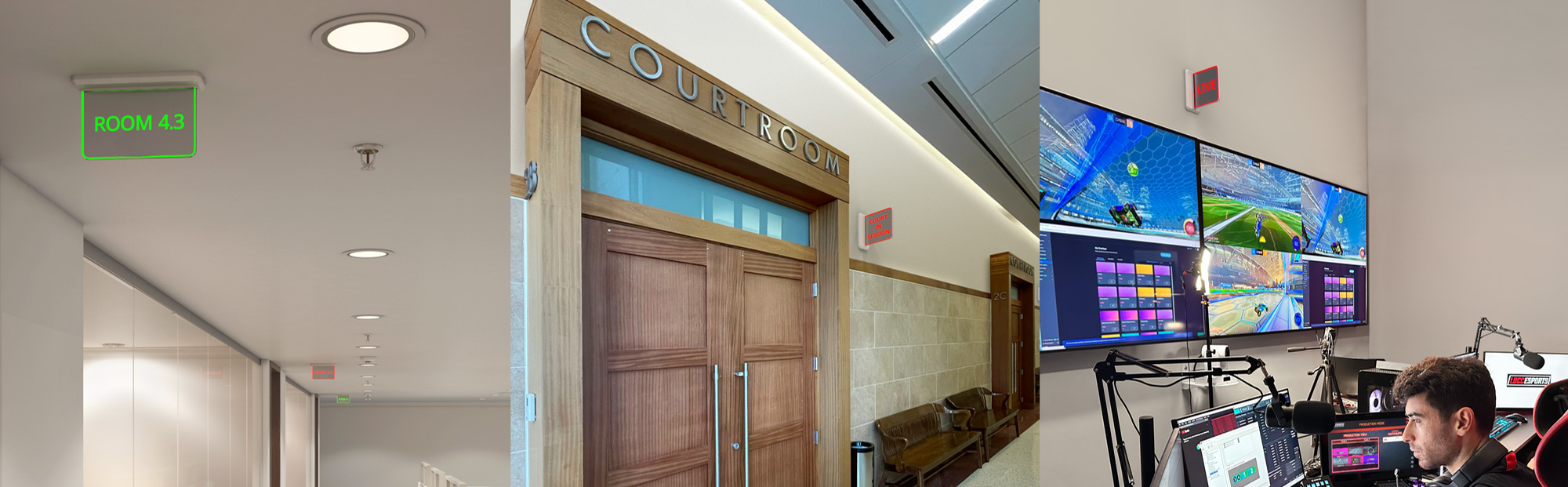
Extron’s System Status Indicator Builder is an interactive online tool that simplifies and accelerates the process of customizing the indicator lens. Its streamlined interface and step-by-step workflow guide you through each stage of configuration, helping ensure accurate layouts and reducing the need for revisions. Drop-down menus support fast, precise design, while detailed product information is always available with a single click on a part number. Preview images of your customized lens can be saved for use in quotes, customer presentations, and project proposals.
Start by selecting either a wall-mount or ceiling-mount lens. Next, choose a template or create your own layout by adjusting the font type, size, and style.
Position your custom text and view updates instantly in the real-time preview, allowing you to refine your design as you work.
Once your design is complete, the Builder generates both an engraved lens preview and a bill of materials, making it easy to review, adjust, and finalize your configuration before ordering.
 Chrome
 Firefox
 Edge
Edge
 Safari